Smart Import
Paste product links. Review the rows. Then decide what lands in the schedule.
7-day trial. Card required. Cancel before day 7 and you are not charged.
Included on Starter and up.
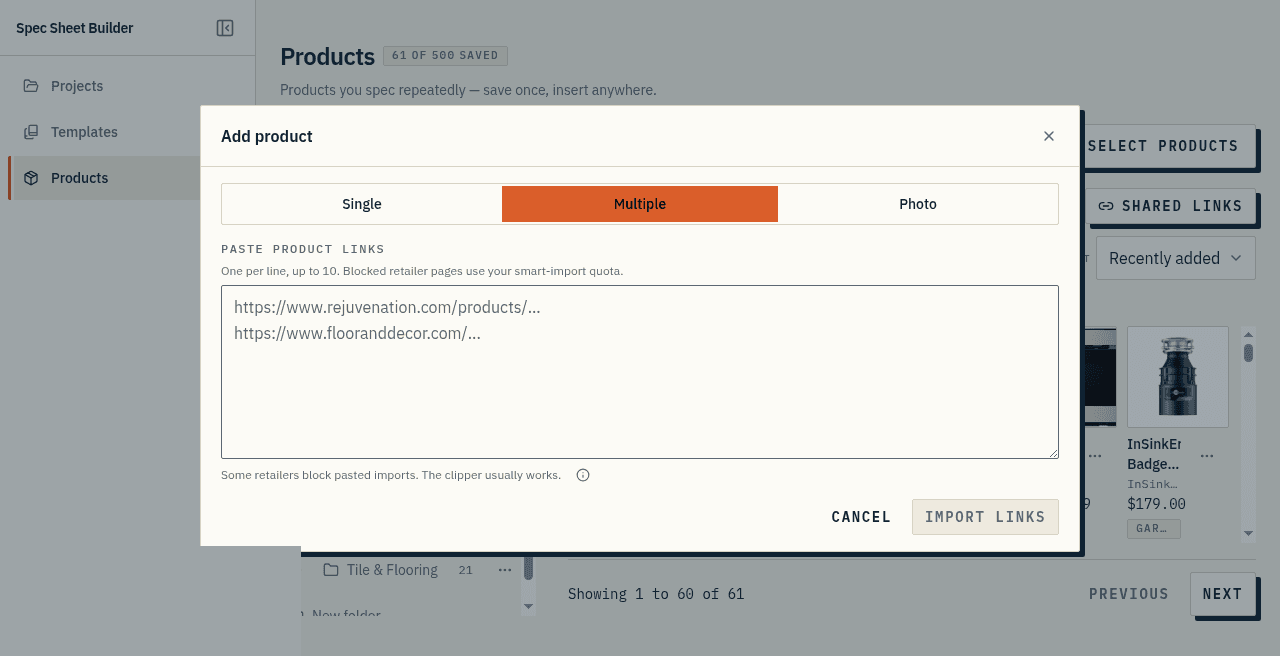
Paste up to ten links
Put one URL per line. Each link comes back as its own preview row.
This is how you clear a client's inspiration email without retyping every faucet and tile.
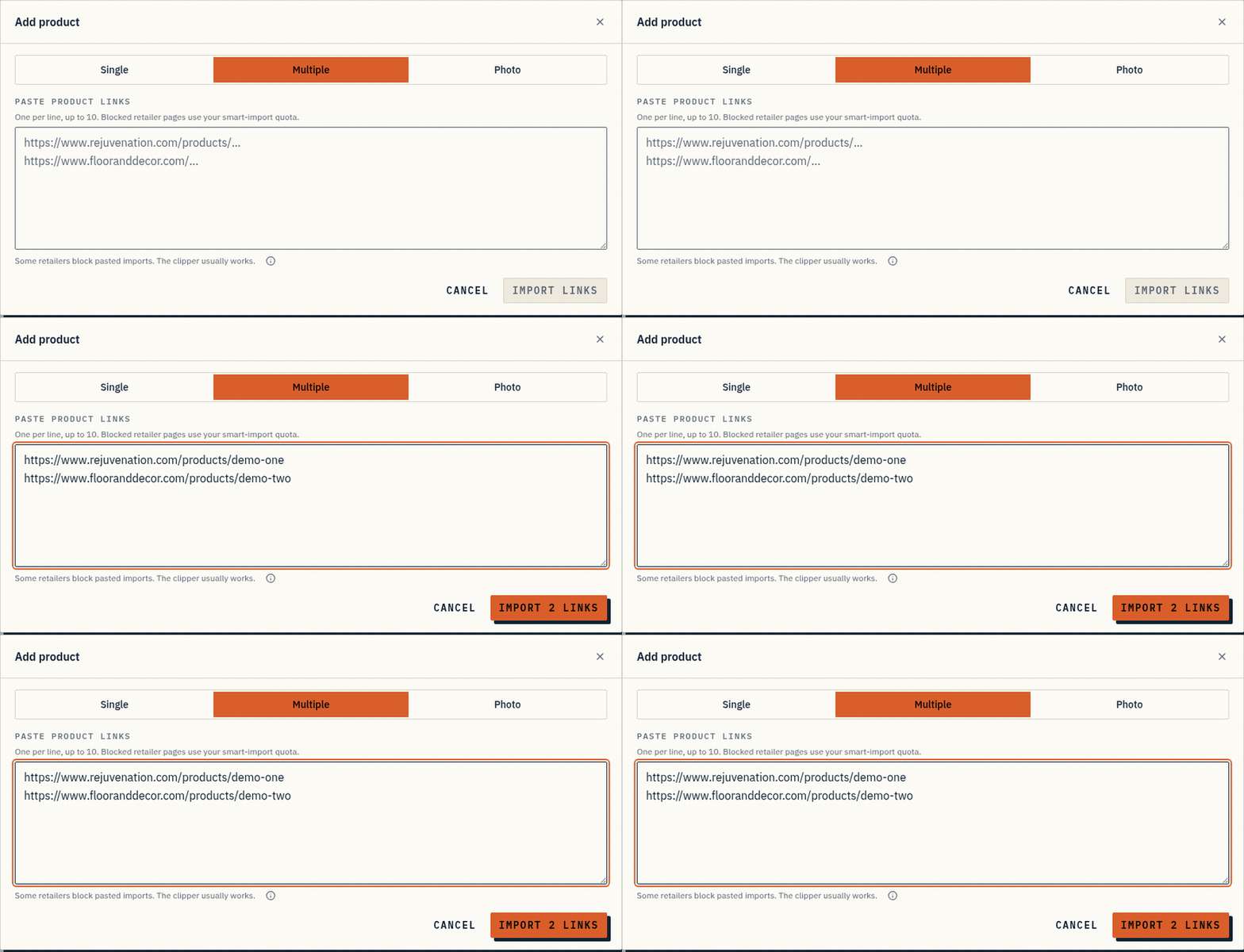
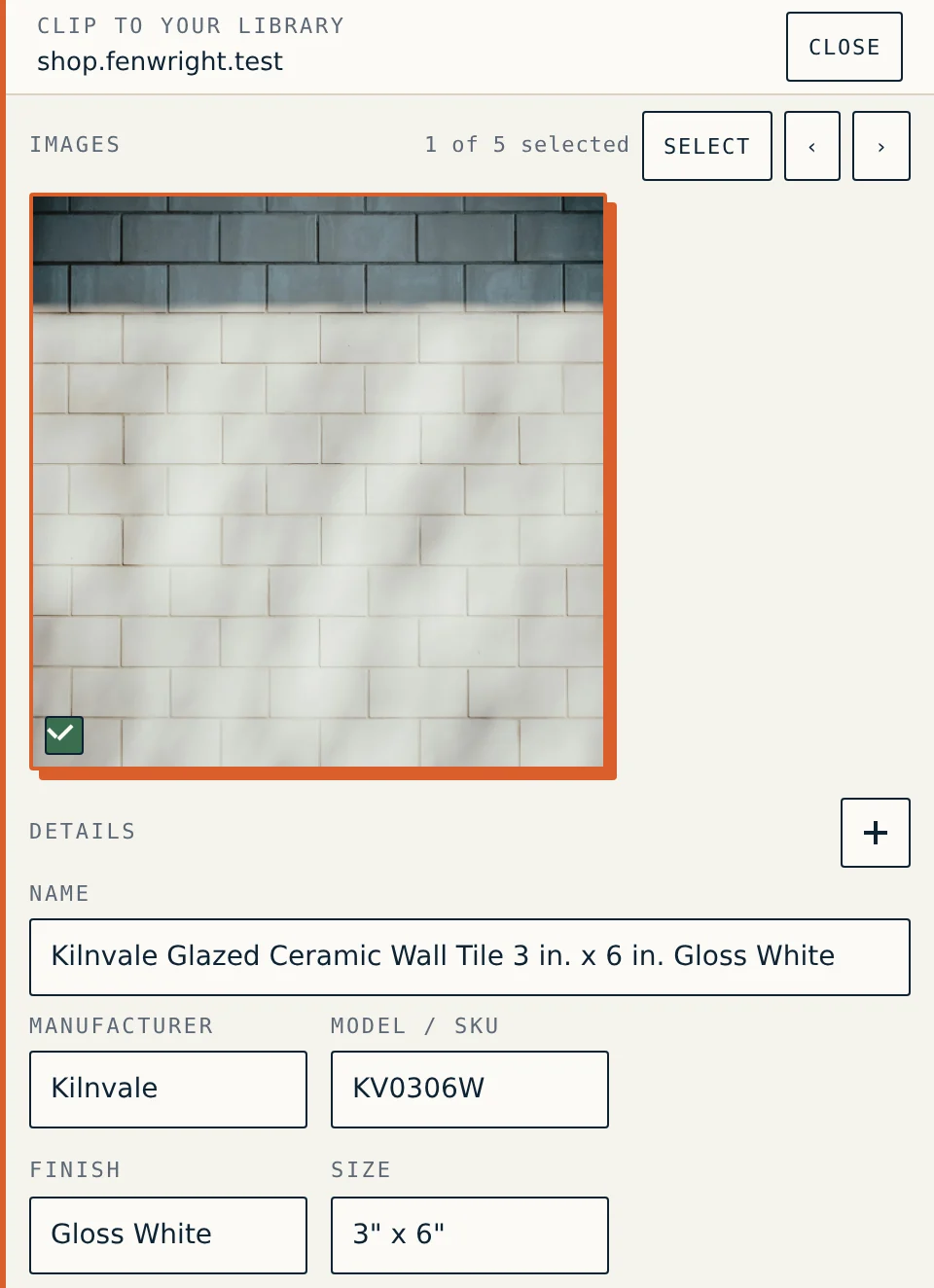
Image and details pulled in
Where a record returns, you typically get the product image, manufacturer, model, and finish.
Size, supplier, unit of measure, and price come through when the page states them in a form the import can read.
Confirm the model number and the finish before you save. Those two are what a supplier orders against.
Review before it sticks
Nothing is added blind. Each preview row is editable. You save it when it looks right.
Some retailers block a pasted import. The in-app dialog names that at the point of paste. The clipper is the path on those pages.
Beside the library and clipper
Smart Import fills a product. The library is where you keep it. The clipper reads a page your own browser already loaded.
Use the one that matches the moment: paste a list, clip a blocked page, or insert a product you already saved.
At a glance
- Paste up to 10 product links at once; each one comes back as a spec row.
- It pulls the product image, manufacturer, model, and finish for you.
- Where a record returns, the image, manufacturer, model, and finish match the product page.
- Review the rows before they land in the spec. Nothing is added blind.