Templates
Save a build or room package once. Reuse it on the next job instead of starting from a blank schedule.
7-day trial. Card required. Cancel before day 7 and you are not charged.
Included on Starter and up.
Save what already works
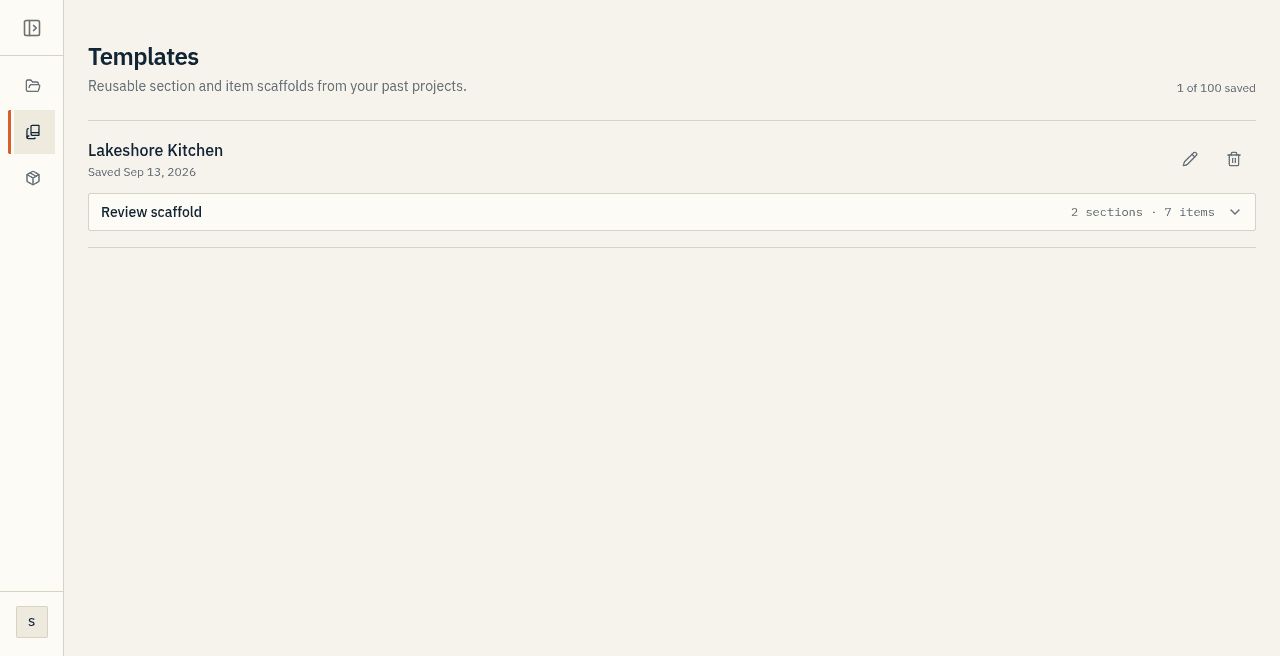
From a project you have already structured, choose Save as template and name the kind of build: Custom 2-Story, Coastal Ranch, Spec House Base.
What gets saved is the scaffold: sections, their order, and the item rows with identity fields and units. Client, address, and money stay with the job.
Start from a template
On New project, pick a saved template instead of starting blank.
The new project comes up with your sections and your item list already in place. You start editing rather than building the outline again.
AI quick-templates
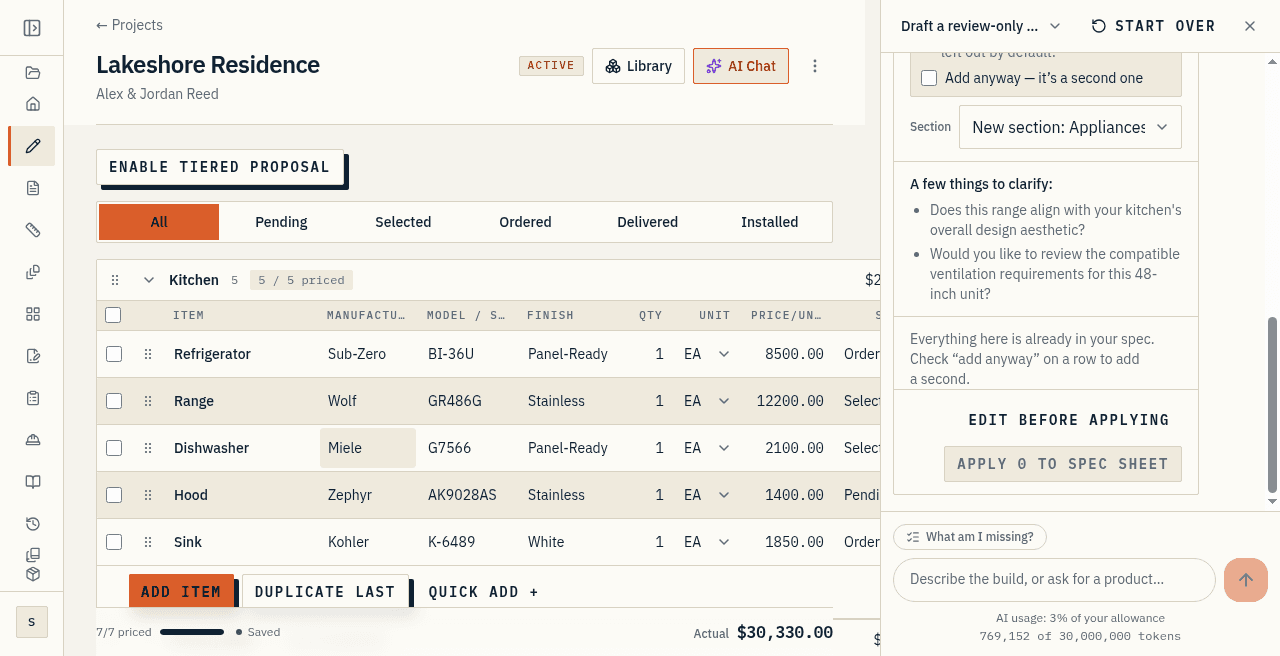
You can also describe the build in a sentence or two and get a proposed scaffold back in one pass.
Review it before you accept. It is good at remembering categories people forget. It does not know your local code or this client's budget.
Caps are real
Saved templates are a paid-plan feature. The number you can keep goes up with the plan. Studio holds 100 saved templates, not an unlimited stack.
Studio also caps active projects at 100. Archived jobs do not count against that number.
At a glance
- Save a finished build or room package as a template, then reuse it on the next job.
- Start a project from a template instead of a blank schedule.
- AI quick-templates scaffold a project from a short description.