Residential Construction Selection Sheet: What to Put on It
September 29, 2026 · 4 min read
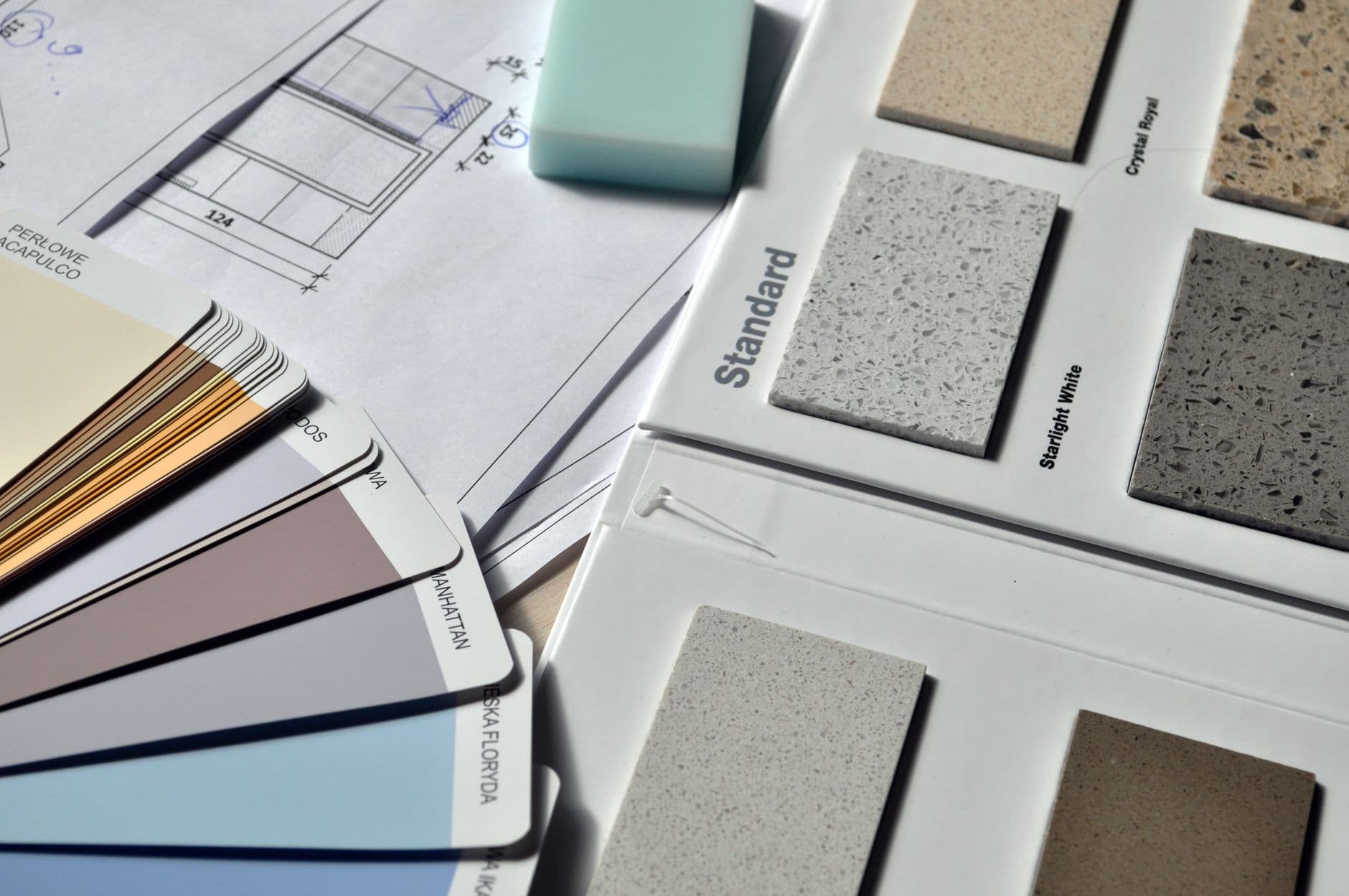
A residential construction selection sheet is one document that lists every finish decision on a house, who makes it, what it is allowed to cost, and the date it has to be made by. The client signs it, and the office, the trades and the purchase orders all work from it.
If you keep it in three places, you have three sheets. Pick one and make it the only one.
One row per decision
Give every decision its own row. "Kitchen plumbing" is not a row. Faucet, sink, disposal and pot filler are four rows.
A commenter on r/Contractor put it this way: "Kitchens have, on average, 95 decisions to be made." That is one comment, not a measured figure. It still matches what you already know from your own kitchens. If your sheet has 12 lines for a kitchen, some of those decisions are being made somewhere you cannot see, probably in a text.
Columns that earn their place:
- Room and item. "Primary bath, shower valve trim."
- Phase. Which stage of the build needs this decision (see below).
- Decide by. A calendar date, not "before drywall."
- Spec. Brand, model, finish, size. Enough that someone else could order it.
- Allowance. What the contract carries for it, if it has an allowance.
- Actual price. What the pick really costs.
- Status. Open, picked, signed, ordered.
- Signed by. Initials and date.
If you would rather start from a working file, there is a free finish schedule template for Excel.
Sort by phase, not by room
Clients think in rooms. The build happens in phases. Sort the sheet by the phase that needs the answer first, so the plumbing rough-in items sit together and the paint colors sit at the bottom.
A builder on r/Contractor described a policy along these lines: contracts always carry a date for selections, in order of need, plumbing before paint. Then a late pick stops being an argument about attitude. It is a date the client already agreed to.
The same commenter added that change orders have a financial cost and a time cost. Put both on the change, not just the dollars.
Allowances go on the sheet
If a line has an allowance, the allowance number sits in the same row as the actual price. The overage is the difference, and the client sees it the moment they pick, not at the end of the job.
A comment on r/Homebuilding described an allowance as a temporary placeholder for personal cosmetic choices, like plumbing fixtures, appliances or flooring. Treat it that way. Fixtures and finishes belong in allowances. Structure does not.
Getting it signed
A pick is not a decision until the client initials it. "Initials and date in the row" beats a text that says "the gray one" every time, because there are several grays.
When a signed row changes, do not overwrite it. Keep the old row, mark it superseded, and add a new row for the new pick with its own date and initials. The price difference goes on a signed change order.
Send the sheet to the trades the same way. The tile setter, the plumber and the cabinet shop should all be working from the current signed version, and everyone should know which version that is. Put a date in the file name.
At closeout, save the sheet as a PDF. A commenter in a r/Contractor thread about leaving CoConstruct gave this advice: "PDF your selections and signed change order approvals separately." Software can trap your records. A PDF in your own folder cannot.
Is there a printable version?
Yes, and you can make one out of the sheet above. Filter to one phase, print it landscape, and take it to the walk-through. A one-phase printout is easier to sign at a kitchen counter than the whole house.
For a printable house-building checklist, use the same idea. The checklist is the list of decisions, sorted by when the job needs them.
Common mistakes
- Rows that hold several decisions. "Bath fixtures" hides eight picks. Split them.
- Dates that say "before rough-in." Use a calendar date. Rough-in moves.
- No allowance column. The overage shows up at the end, and the client is shocked.
- Overwriting a signed row. You lose what was agreed. Keep the old row and add a new one.
- Two live copies. One in email, one on your phone. Pick one and delete the rest.
- No initials. A text saying "yes, that one" is not a signature.
Keep every selection on one sheet.
Choose the plan that fits your workload.
7-day trial. Card required. Cancel before day 7 and you are not charged.